


No more costly traditional model hunting! We’re in the AI era now—creating an AI fashion model that perfectly fits your brand’s style and needs is easier than you think. In this blog, we’ll introduce a versatile AI clothing model generator that showcases your clothing designs. Let’s dive in!
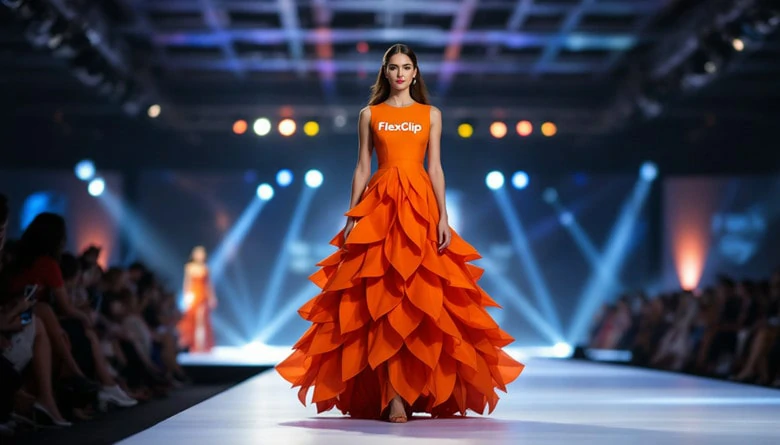
AI Fashion Model Generation Perfectly Tailored to Your Needs
Directly Generate Your AI Fashion Model Right Now>>
Also Interested: How to Create AI Fashion Show Videos>>
The Versatile AI Fashion Model Generator for You
To create a fashion model tailored to your brand, all you need is FlexClip—an online AI clothing model generator. With a simple text prompt, it can generate your ideal fashion model, who’ll perfectly wear your clothing in various scenes. Whether you’re looking for a specific gender, age, skin tone, or appearance, just type your vision into FlexClip, and your dream character will come to life.
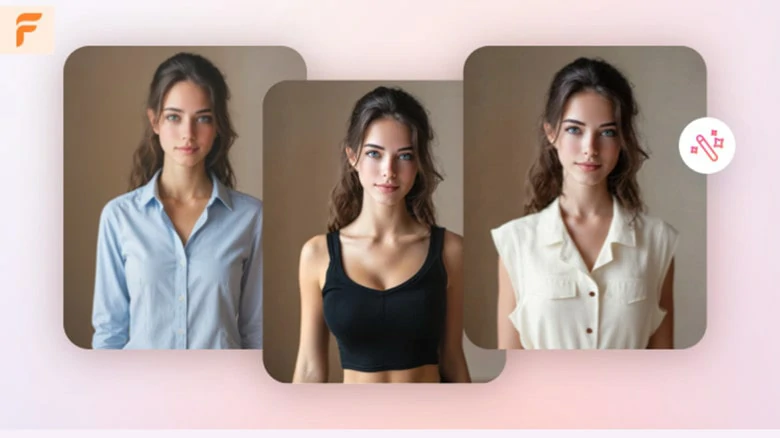
The Versatile AI Fashion Model Generator - FlexClip
What FlexClip can Bring to You:
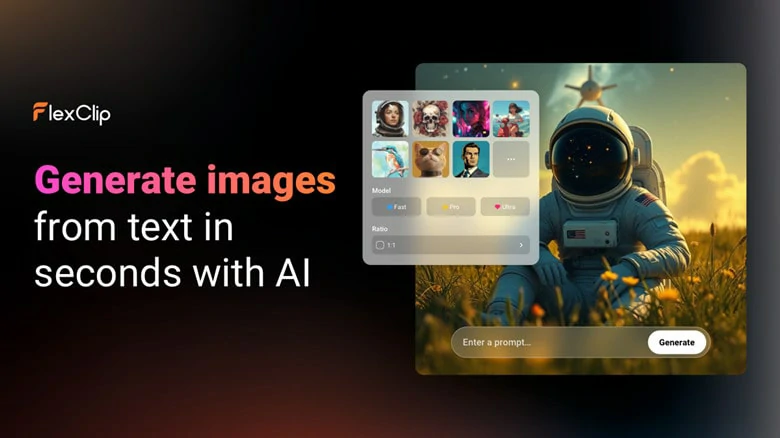
AI Fashion Model Generator from Text
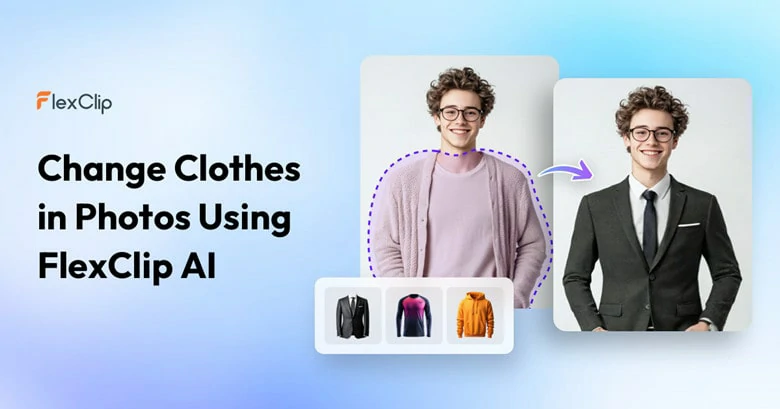
AI Clothes Changer to Swap Clothes with Yours
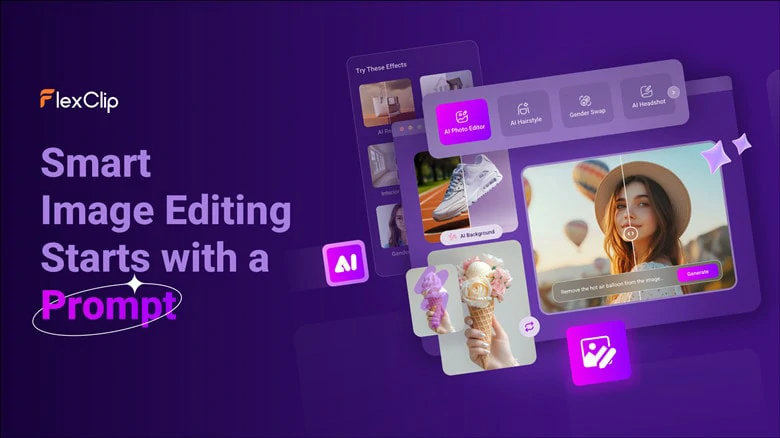
AI Photo Editor to Edit Pictures with Ease
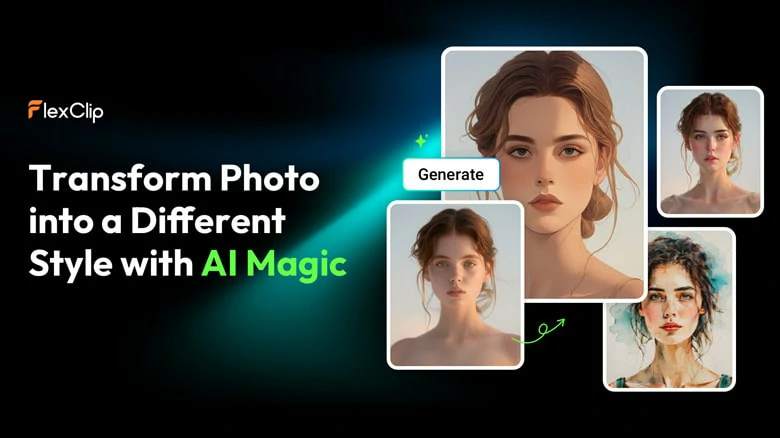
Image to Image Tool to Help You Unleash Creativity
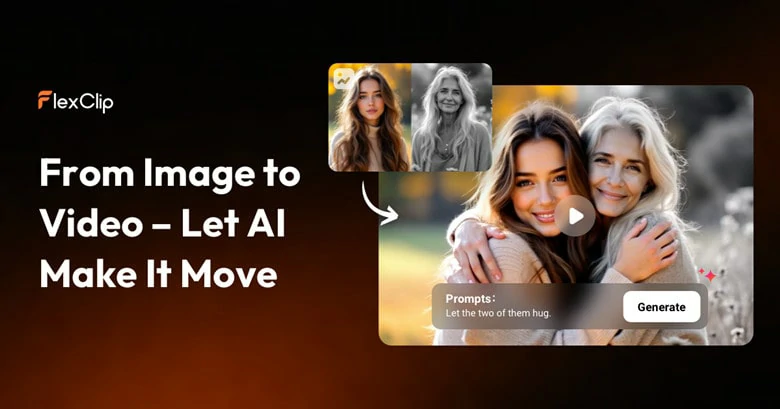
Bring Still Model Picture into Animated Fashion Show Video
Now that you have a general understanding of FlexClip, let’s see how it generates your custom fashion model with AI.
How to Generate AI Fashion Model Using FlexClip
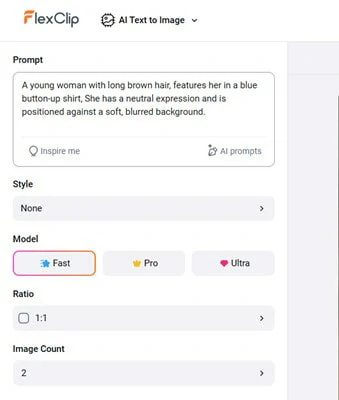
Describe the Fashion Model You Want with FlexClip's AI Fashion Model Generator
Alternatively, you can simply upload a photo of your ideal model and FlexClip will then generate prompts from it to guide the AI in creating your desired result.
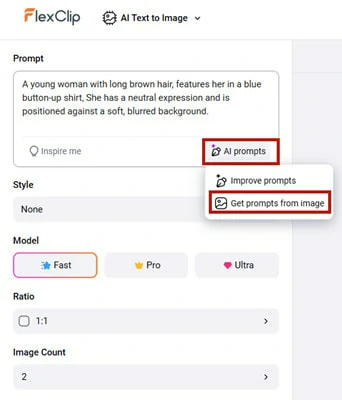
Generate Prompts from Existing Photo with FlexClip's AI Prompts Feature
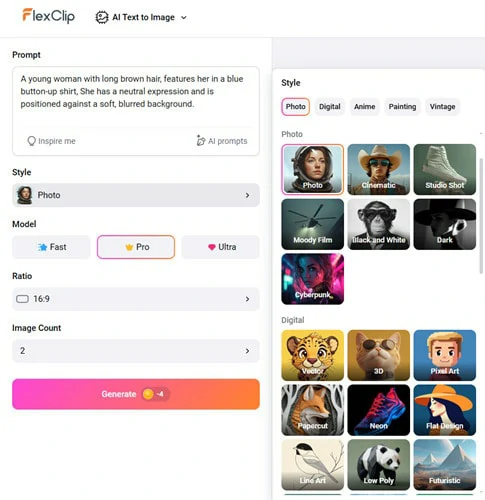
Make Setup for the Model Generation Process
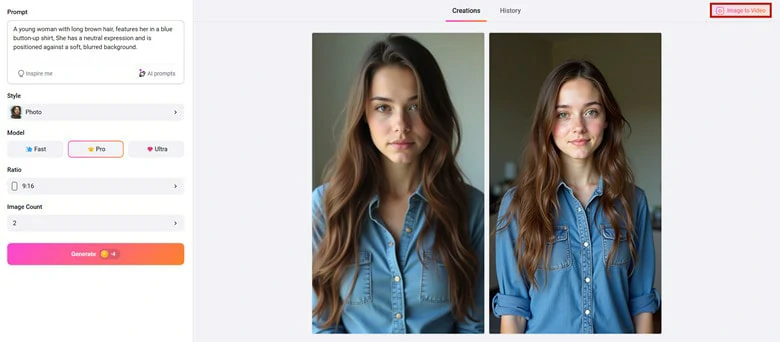
Download Your Satisfied Model Picture to Local
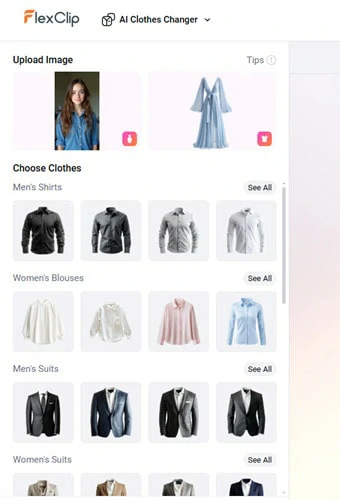
Let the Model Virtually Wear Your Clothes
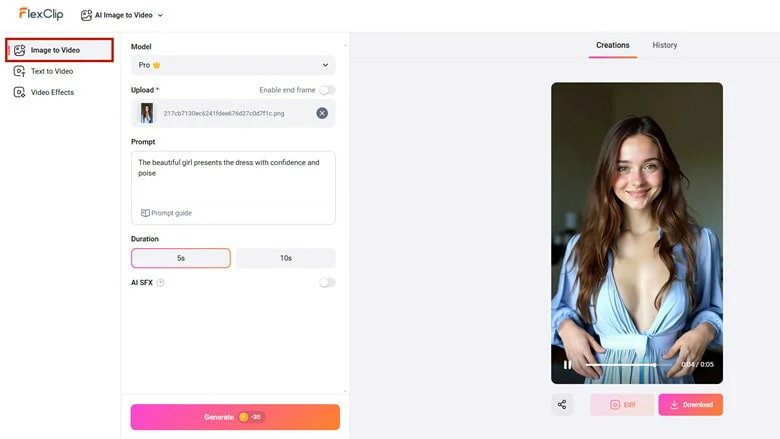
Animate the AI Model Picture into Smooth Fashion Video
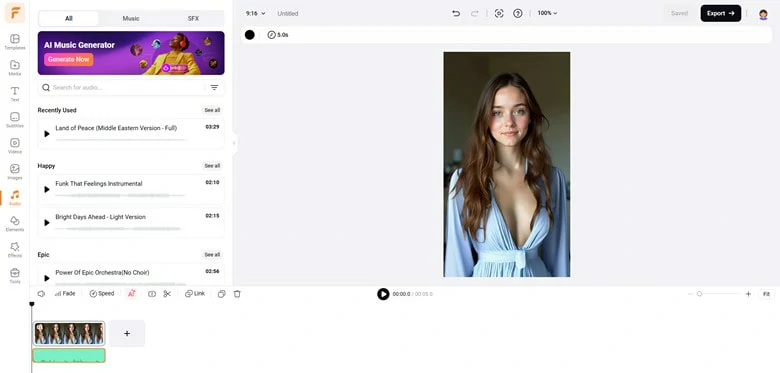
Evaluate Your Fashion Video with Music
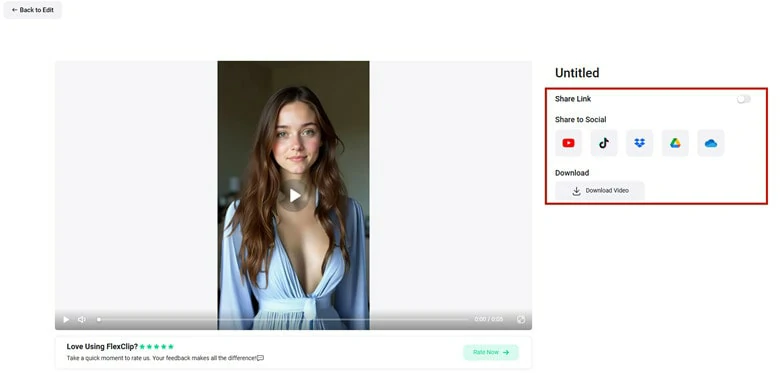
Export and Share Your AI Fashion Model Video
Examples of AI Fashion Models Wearing Clothes Generated by FlexClip

Cute Baby Fashion Model Generated by FlexClip
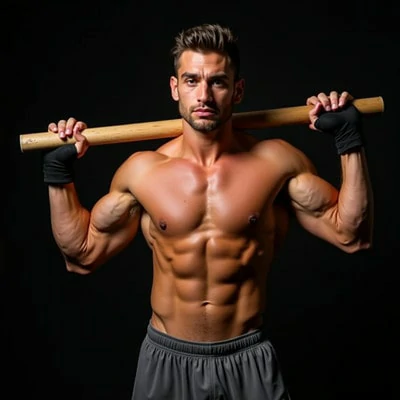
Sports Man Fashion Model Generated by FlexClip
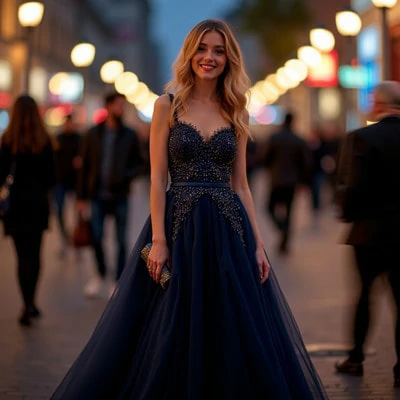
Elegant Dinner Party Model Generated by FlexClip
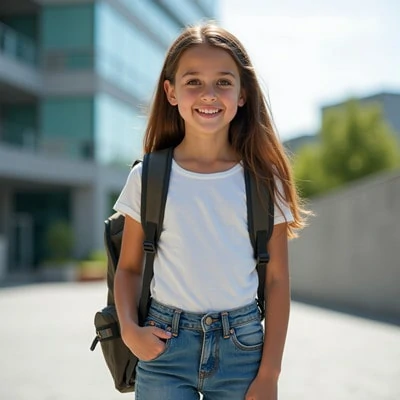
Energetic Teenage Model Generated by FlexClip
Frequently Asked Questions
1.Can I customize the AI models?
Yes. FlexClip lets you adjust features of AI models like gender, age, skin tone, hairstyle, body type, and poses to match your brand or campaign needs.
2.Can I upload my own clothing designs?
Absolutely. FlexClip lets you upload your own clothing designs, so the AI-generated model will wear them for a visual demonstration.
3.Are these AI models royalty-free for commercial use?
Of course. All AI models generated by FlexClip are free for commercial use.
4.Is it possible to create runway or lifestyle photoshoots with AI models?
Absolutely. AI fashion model generators can place models in different settings—studio shots, outdoor backdrops, or even runway environments.




FlexClip AI Video Maker
Reach professional-quality videos faster with easy editing tools, templates, and smart AI.
Start Now for Free
Hot & Trending
-

Best Ways to Find Music in YouTube Videos
-

Instagram Story Video Quality Bad After Upload? Fix It!
-

How to Repost Video on TikTok & How to Remove TikTok Repost
-

Improve Video Quality Online: 3 AI Video Quality Enhancers You Can't Miss
-

4K Convert to HD 1080p without Watermark: Best 4k Video Converters
-

Best 8 Free Video Editors - No Download Required
-

Top 13 Birthday Video Makers with Music and Effects Free
-

How to Search Filters on TikTok & Use a Filter You See - TikTok Filter Guide




